Tekenen kun je leren
Your pencil, the music and ten minutes of attention. The app helps you keep up your daily blind contour exercise and keep your drawings together in one place.
With the book Tekenen (met het rechterbrein) kun je leren.
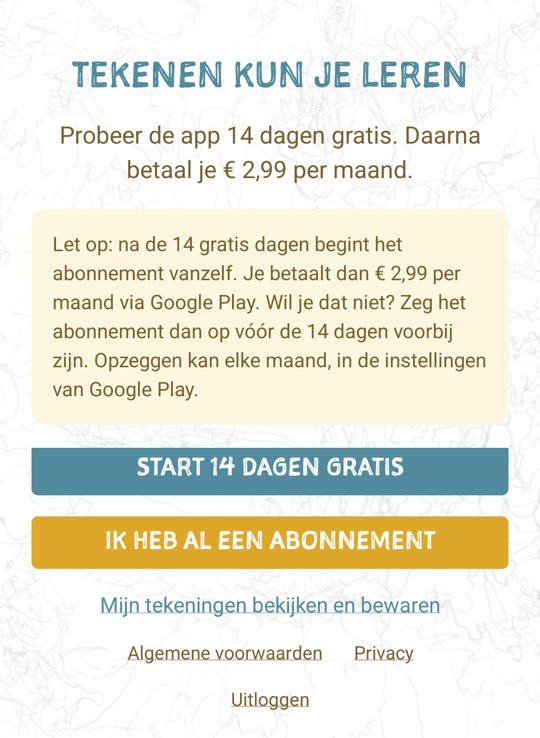
Try it free for 14 days.
Then € 2.99 per month. Cancel any month.
Your exercise gets a regular place.
Keep your drawings
Put your blind contour drawings in the app. That way they stay together and you can look back at them later.
Get a reminder
Do you skip drawing one day? Then you get a reminder, up to two times. Would you rather not receive notifications? Then you switch them off.
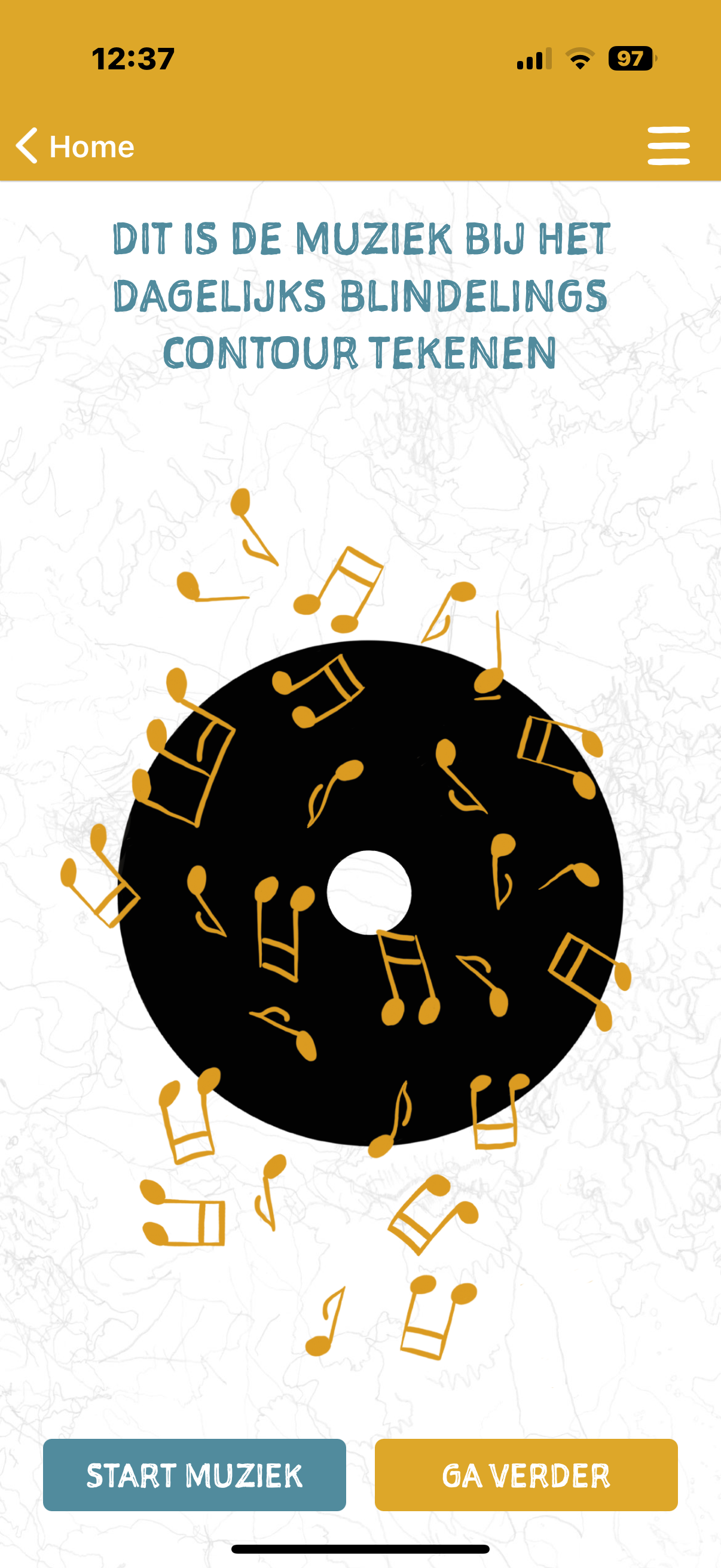
Turn on the music
The music for blind contour drawing is in the app. So you no longer need to look for it separately.
Ten minutes.
With your attention on what you see.
In the main book you practise blind contour drawing. By doing this every day, you keep practising attentive looking. The app supports that daily moment.
How to use the app
Turn on the music.
Take your paper and pencil and do your blind contour exercise.
Keep your drawing.
Take a photo and add it to your drawings in the app.
Pick up your pencil again the next day.
The reminder helps you if you forget. You choose whether to leave these notifications on.
The instructions to hand
Download the short guide. With instructions on getting started, the music, keeping your drawings, reminders and your subscription.
4 pages · Opens in a new tab.
Try it free for 14 days first.
€ 2.99 per month
After fourteen days the subscription continues automatically. You pay every month via the App Store or Google Play. There is no fixed term.
Don't want to continue? Cancel before the fourteen free days are up. Then you pay nothing.
How to start
- Download Tekenen kun je leren in the App Store (iPhone) or Google Play (Android).
- Create an account with your email address and a password.
- Tap ‘Start 14 days free’.
- Confirm with your Apple ID or Google account.
- You can now use the app.
Download Tekenen kun je leren
For iPhone and Android.
Managing your notifications and subscription.
How do I turn off the reminders?
Open your phone's settings, choose the app Tekenen kun je leren and turn off the notifications. Would you like to receive a reminder again later? Then you turn the notifications back on there.
How do I cancel my subscription?
Open the menu in the app and go to My profile. Scroll to Subscription and tap ‘Manage or cancel subscription’. You will end up in the right place in the App Store or Google Play.
You can cancel any month. After that you can still use the app until the end of the month you have paid for.
Can I also cancel without the app?
iPhone: Settings → your name → Subscriptions → Tekenen kun je leren → Cancel Subscription.
Android: Google Play → your profile picture → Payments & subscriptions → Subscriptions → Tekenen kun je leren → Cancel subscription.
What happens to my drawings if I cancel?
Your drawings are not thrown away. Log in and tap ‘View and save my drawings’. Tap a drawing to enlarge it. Hold your finger on the drawing and choose ‘Save’ to save it to your phone.
I have a new phone. How do I get my subscription back?
Log in with the same email address and tap ‘I already have a subscription’. Use the same Apple ID or Google account you took out the subscription with.
Feel free to ask your question.
Do you have a question about the app? Tell me what you are running into. Then I will help you further.
Marianne Snoek
Founder and owner of Sophia Academie, drawing coach, writer and artist.

Sophia Academie voor Creatieve Ontwikkeling
www.leertekenen.nl · info@leertekenen.nl
Chamber of Commerce (KvK) 32146051 · VAT NL001323038B63